Digital Systems: Managing Information and Security
You know what a strong password looks like. That isn't the same as having a system that actually keeps your information safe.
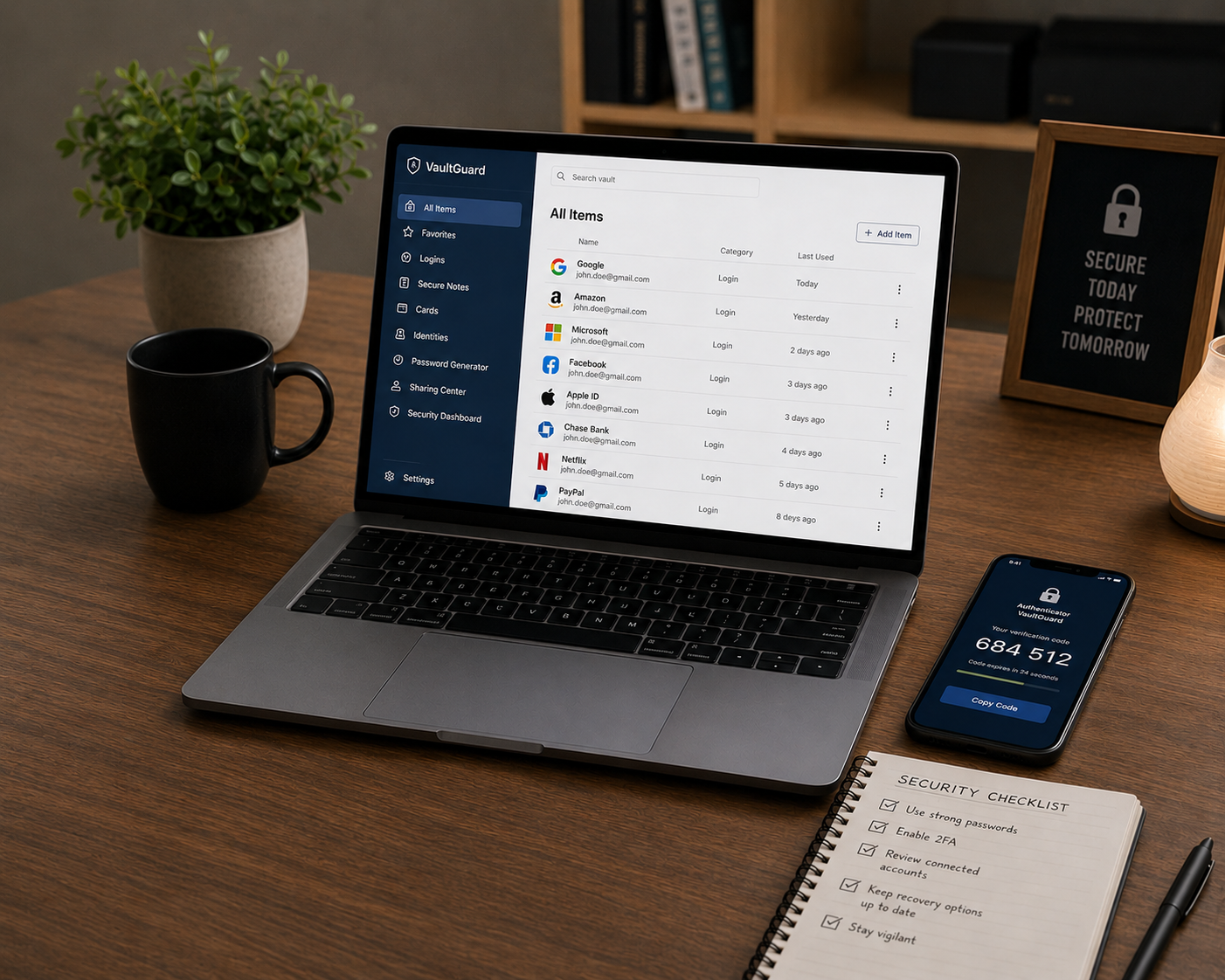
Feedback loop: a quarterly account audit — the recurring check that catches the reused password, the stale app permission, and the account you forgot you had.
The Digital System Loop. Most people already secure the accounts they think about. The missing piece is a recurring process for the ones they don't.
You get the email at 11:47pm: a login to your account from a device you don't recognize, in a city you've never been to. Your stomach drops. You scramble to change the password, and somewhere in the scramble you realize this exact password is also on your banking app, your email, and at least four other accounts you can't fully remember right now.
You knew better. You've read the articles. You know a "strong password" when you see one, and you know two-factor authentication exists. And yet here you are, at midnight, doing damage control on a digital life that was never actually designed, just accumulated: one account at a time, one reused password at a time, one "I'll set that up later" at a time.
This isn't a knowledge gap. Most people already know the individual rules. What's missing is a system that applies those rules automatically, across every account, without relying on you remembering to be careful at 11pm on a Tuesday.
That's a design problem, not a discipline problem. And like every other undesigned system in your life, it's fixable — starting with the next twenty minutes.
The Root Cause
ROOT CAUSE: No system was ever builtNobody sits down and designs their digital security. It accumulates: an account here, a password reused there, a "remind me later" on two-factor authentication that never gets revisited. The result is a sprawling, undocumented network of accounts with wildly inconsistent protection, and no process for finding the weak points before someone else does.
The core failure isn't ignorance. Most adults can, in isolation, identify a strong password or explain what phishing is. The failure is that this knowledge never gets converted into a standing system — something that runs in the background, checks itself periodically, and doesn't depend on remembering to be vigilant in the moment.
Below is how each of the five DB root causes shows up specifically in the digital domain — and the corrective direction for each.
The Mechanism: Knowing the Rule Isn't the Same as Running the System
The data on digital security is unusually clear about exactly where the gap sits. It isn't in general awareness. It's in the space between knowing a concept and consistently applying it across every account, every time.
Read those four numbers together and the mechanism becomes obvious. Most people can identify good security practices in a quiz format. Far fewer apply the harder ones consistently, and the gap between "knows the rule" and "runs the system" is exactly where breaches happen. Knowledge, on its own, was never going to close this gap. Only a system that removes the moment-to-moment decision does that.
The Design: Building a Digital Security System
You don't need to become a security engineer. You need one system that removes the moment-to-moment decision-making the data above shows most people fail at under pressure.
Step 1 — Diagnose
List every account that touches money, identity, or your primary inbox: banking, email, tax software, your phone carrier, and any account that can reset your email password. This short list carries almost all of your real exposure — most other accounts are lower stakes by comparison.
Step 2 — Design
Build one system, not a dozen habits. A password manager that generates and stores a unique password per account. Two-factor authentication turned on for every account on your high-stakes list. One recurring calendar entry for a quarterly review.
Step 3 — Implement
Start with a password manager and your five highest-stakes accounts, not your entire digital footprint at once. Trying to fix everything in one sitting is exactly the kind of preparation paralysis that keeps this project permanently deferred.
Step 4 — Iterate
Once a quarter, open your password manager's built-in breach-check report if it has one, review which third-party apps still have access to your email or social accounts, and revoke anything you no longer use. This is the review step that closes the gap the research above describes — not becoming an expert, but building the one recurring check nobody ever taught you to build.
Secure Your Single Point of Failure
Open your email account settings and turn on two-factor authentication. Your email resets nearly everything else you own — it's the one account that deserves the highest protection you have.
2. Turn on two-factor authentication using an app, not just text message if the option exists.
3. Write down your recovery codes somewhere offline — not in the same inbox you're protecting.
That single change contains more of your real exposure than almost any other twenty-minute action available to you today.