Password Management Simplified
You don't have a bad memory. You have twelve accounts and one password wearing a different hat on each of them.
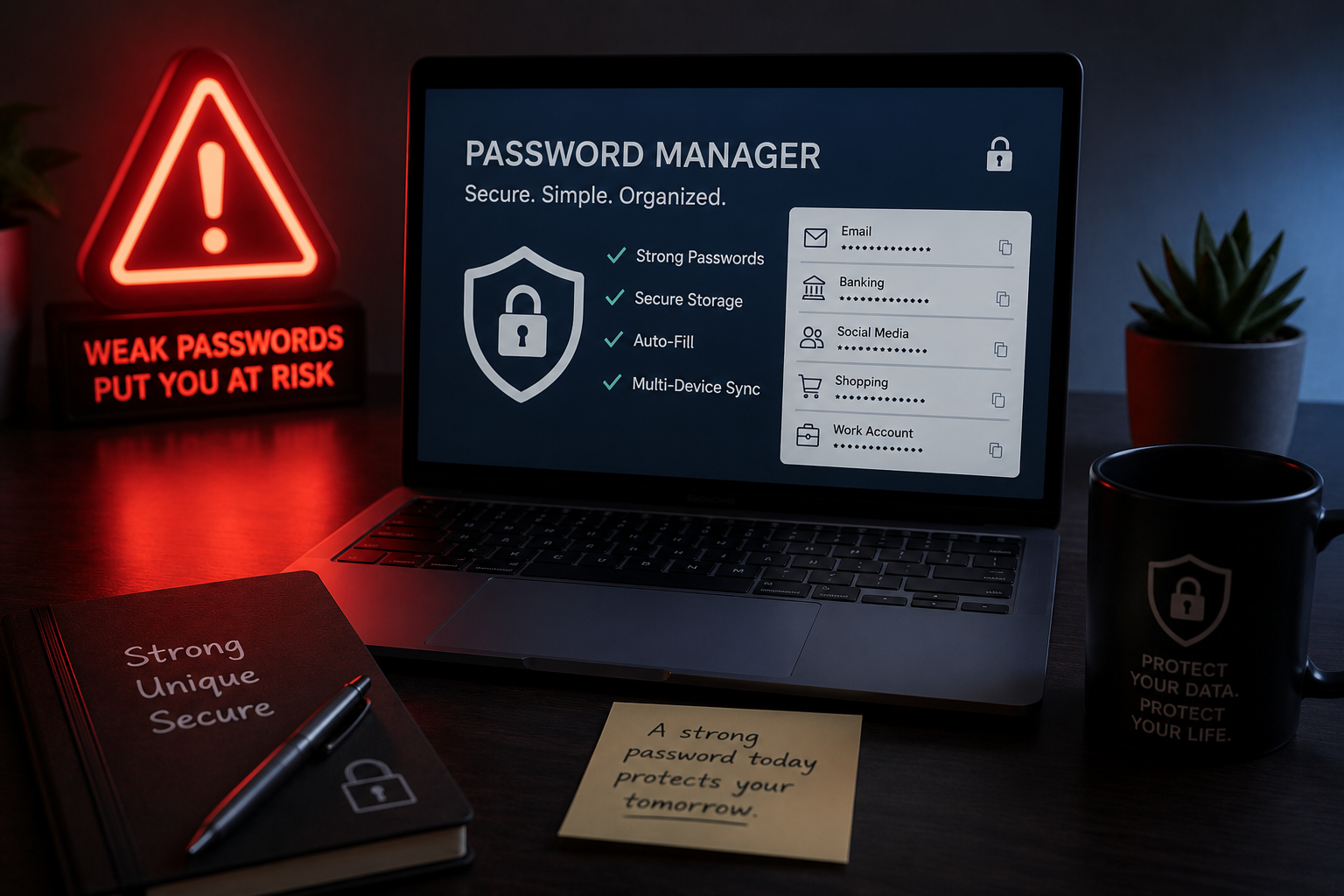
You click "Forgot password" more often than you'd like to admit. Every account seems to want a different combination of letters, numbers, and symbols, so you have quietly settled on two or three passwords, with minor variations, that you rotate across everything from your email to your bank. You know this is not ideal. You have known it for years. And yet the next time a site forces you to update a password, you will type in a familiar one with a "1" swapped for an "!" and move on with your day.
That is not a discipline failure. Nobody was ever handed a real system for password management. You were handed a requirement ("8 characters, one capital, one number") and left to improvise a workaround for the rest of your life. An improvised workaround, repeated hundreds of times across every account you own, is exactly what breaks under pressure.
The Root Cause of Bad Password Management
ROOT CAUSE: The system is optimized for the wrong outputMost people's password habits are not undesigned exactly. They are optimized, just for the wrong thing. The system you are actually running is optimized for memorability: can I recall this password at 11pm on my phone without thinking too hard? What it is not optimized for is security: is this password unique, long, and resistant to the kind of automated guessing attacks that break into accounts at scale?
Those two goals pull in opposite directions, and when they conflict, memorability wins almost every time, because it is the goal your brain is actually evaluating for in the moment. Nearly half of adults surveyed by Pew Research Center in 2023 said they choose an easy-to-remember password over a more secure one, a rational trade-off given the system they are operating, and a dangerous one given what that system is actually protecting.
Password management, in other words, is not a memory problem. It is a design problem with the wrong output variable wired in. Fix the variable, and the memory problem mostly disappears on its own, because you stop needing to remember much at all.
Why Password Reuse Is the Real Vulnerability
Reused passwords are not risky because any one of them is weak. They are risky because of what happens after a single breach. When one site's database is compromised, attackers do not just try the stolen password against that one site. They run it against email providers, banks, and shopping accounts in bulk, a technique called credential stuffing. One reused password does not put one account at risk. It puts every account that shares it at risk, simultaneously, the moment any one of them is breached.
Designing a Password Management System That Works
You do not need to memorize dozens of passwords to fix this. You need to build one small system that removes the decision from your hands almost entirely.
Step 1 — Diagnose
Get an honest count. Open your browser or phone's saved-password list and count how many accounts share a password, or a close variation of one. Most people are surprised by the number. This is your starting baseline, not a source of guilt.
Step 2 — Design
The design is simple: one password manager, one strong and unique master password that you actually memorize, and every other password generated randomly and stored, never reused, never chosen by you at all. This removes memorability as a constraint entirely, because you are no longer the one remembering. Add two-factor authentication on your email and financial accounts specifically. Email is the recovery path into almost everything else you own, which makes it the highest-leverage account to protect first.
Step 3 — Implement
Do not try to convert every account in one sitting. Start with the three that would do the most damage if compromised: primary email, primary bank, and whichever account you use to reset the other two. Update those first, today. Everything else can be converted gradually, the next time you happen to log in to each one.
Step 4 — Iterate
Set a single recurring reminder, once a year, to run your password manager's built-in breach check and re-generate any password it flags as reused or compromised. That is the entire maintenance system. It costs a few minutes a year, not a few minutes a day.
You were never bad at remembering passwords. You were just never given a system that didn't require you to.
Secure Your Highest-Leverage Account First
Install a password manager (most major browsers now include one built in, at no cost). Use it to generate a new, random, unique password for your primary email account, and turn on two-factor authentication for that account specifically.
2. Update the password on the email account itself.
3. Turn on two-factor authentication for that account before you close the tab.
Email is the recovery key to nearly everything else you own online. Securing it first is the single highest-leverage 20 minutes in your entire digital system.