Building a Personal Information System
Your insurance policy is a PDF somewhere. Your car's maintenance history is in an email you'd never find again. Nothing is lost. It's just nowhere.
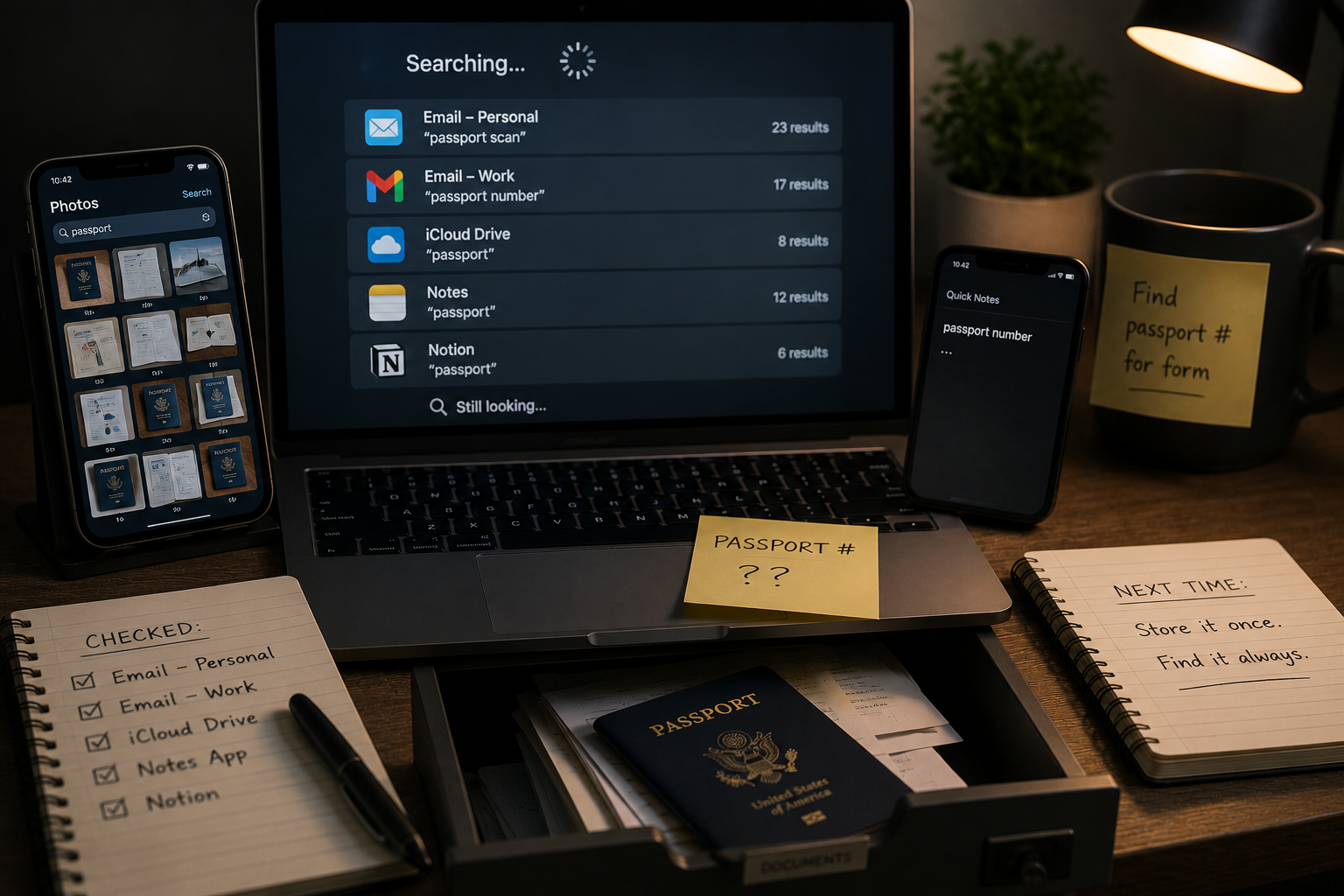
You need your passport number, right now, for a form. You know it exists somewhere: a photo on your phone, maybe, or a scan you emailed yourself once, or a note you made in an app you have since stopped using. You spend twelve minutes searching three apps and two email accounts before you find it, and by the time you do, you have half-decided to just retype it from the physical document sitting in a drawer, which was always the faster option.
This happens constantly, in small ways, across your entire digital life. Your notes are split across whatever app was open when you had the thought. Your important documents live in whichever email thread they first arrived in. None of this information is lost, exactly. It is simply never in the place you would think to look for it, which functions as lost most of the time it actually matters.
The Root Cause: No Information System Was Ever Built
ROOT CAUSE: No system was ever builtMost people have never designed a place for their personal information to live. They have accumulated one instead, one app download and one "I'll just email this to myself" decision at a time, with no single rule governing where anything goes. Researchers in the academic field of personal information management describe this as the gap between the many activities of acquiring, keeping, organizing, and retrieving information, activities most people perform constantly without ever connecting them into one coherent practice.
Each individual decision, where to save this file, which app to jot this note in, made perfect sense in the moment. The problem is that "in the moment" is not a filing system. It is hundreds of tiny, uncoordinated decisions that, added together, scatter your information across more places than any single search habit can reliably cover.
Why Scattered Information Costs You More Than Time
The direct cost is the obvious one: time spent searching. It is a well-documented drag on productivity in workplace settings, and there is little reason to think personal life is different.
The less obvious cost is what happens in an emergency. A scattered filing system is a minor annoyance when you are calmly looking for a passport number. It is a genuine problem when someone else, a partner, an adult child, an executor, needs to find your insurance policy, your account list, or your will, and has no idea which of your six storage locations it might be in. A personal information system is not just a convenience layer. It is part of your resilience system.
Designing One System for All Your Information
You do not need a complicated setup. You need exactly one rule that ends the "which app was I using" problem for good.
Step 1 — Diagnose
List every place you currently store personal information: notes apps, cloud drives, email folders, physical files, your phone's photo library used as a filing cabinet. Most people find five to eight active locations. That number alone explains why finding anything feels hard.
Step 2 — Design
Pick exactly one primary hub, a single notes app or cloud folder, and build three sections inside it: Reference (documents and facts you look up but rarely change, like insurance policies and account numbers), Active (things you are currently working through), and Archive (past information kept for records, not daily use). Everything new gets sorted into one of these three, on the way in, not someday later.
Step 3 — Implement
Do not migrate everything at once. Start with the handful of documents that would actually hurt to lose: identification numbers, insurance policies, and account information. Move those into Reference this week. Everything else migrates gradually, the next time you happen to need it.
Step 4 — Iterate
Set one recurring reminder, twice a year, to do a short pass: move anything from Active that's now finished into Archive, and check whether anything new has quietly started accumulating outside the system again. That reminder is what keeps this a system rather than a one-time cleanup that slowly decays.
You don't need a better memory. You need exactly one place you'd actually think to look.
Create Your Reference Hub
Open your notes app or cloud drive and create one new folder called "Reference." Move your five most important documents into it today.
2. Add your ID/passport information, insurance policy numbers, and one emergency contact list.
3. Text or tell one trusted person where this folder lives.
That folder, and one person who knows it exists, is the starting point of a real personal information system. Everything else can be added gradually from here.